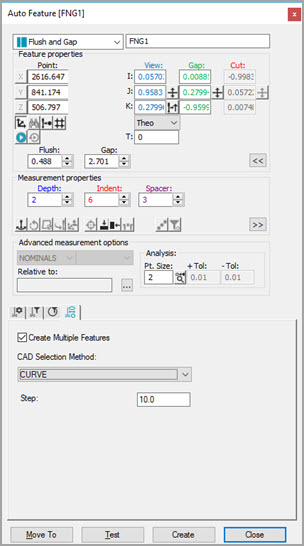
The ability to extract a series of Flush and Gap features around a defined contour is available. See the following examples.
First Curve Selection
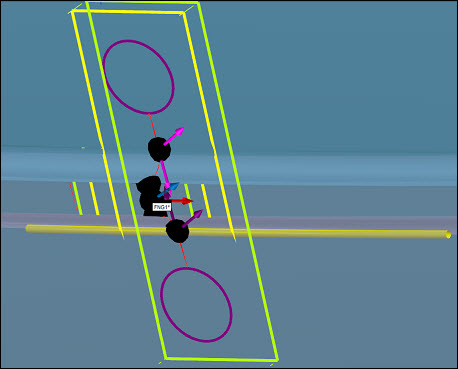
Flush and Gap Auto Feature - First Curve Selection
Additional Curve Selection with Ctrl Key
To select additional curves, press and hold the Ctrl key.
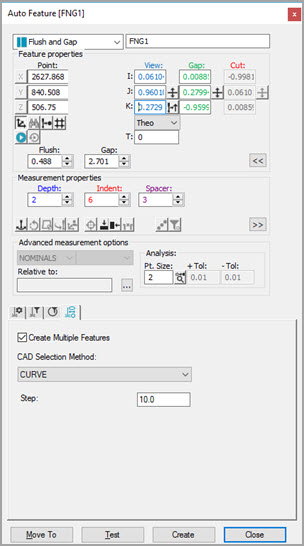
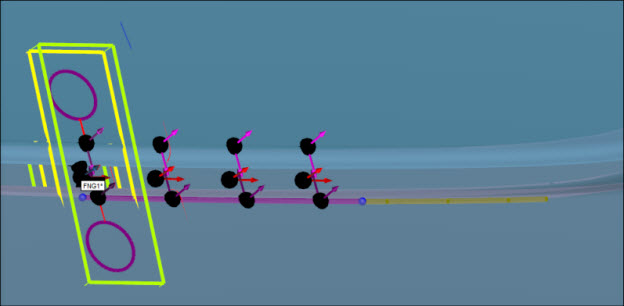
Flush and Gap Auto Feature - Additional Curve Selection
To select additional curves, continue to press and hold the Ctrl key to create the Flush and Gap features.
Result
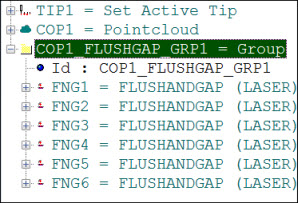
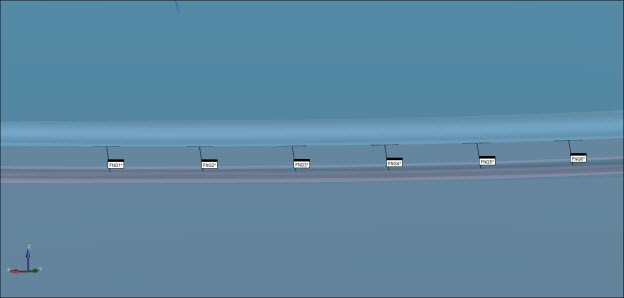
Flush and Gap Auto Feature - Result