Tangent
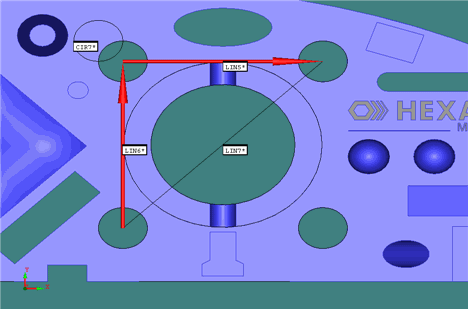
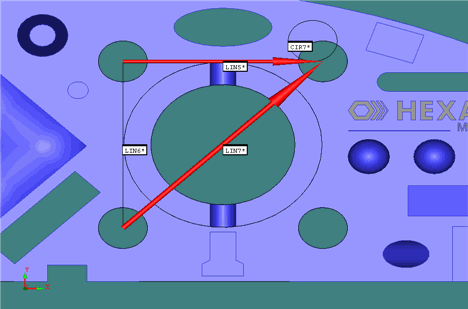
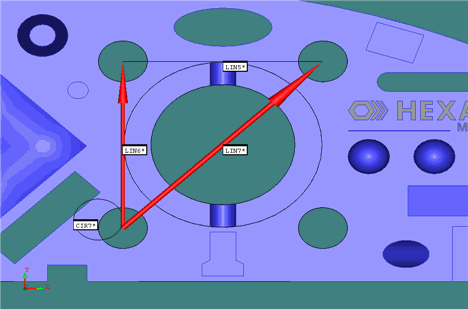
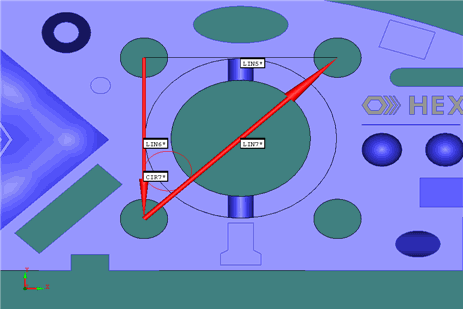
2 Lines - This option constructs a circle tangent to two lines.
The exact location is determined by the size of the circle and the
direction of the lines. Type a Diameter
value for the constructed after selecting the two input lines, and
then click Create. If the constructed circle
doesn't appear were expected, try changing the direction of one of
the lines. 


Tangent
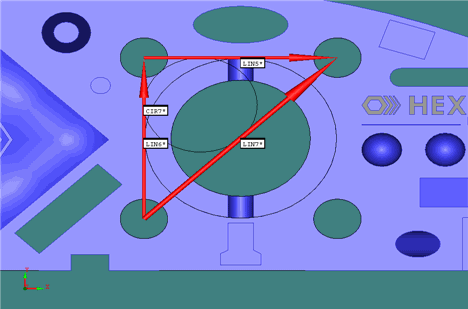
3 Lines - This option constructs a circle tangent to the three
input lines that form a triangle. Select the three input lines, and
then click Create.
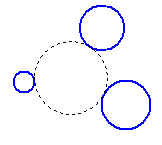
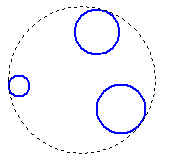
Tangent
3 Circles - This option constructs a circle tangent to the
three input circles. Select the three input circles, and then click
Create. The tangent circle can either contain
all three circles (circumscribed
circle) or none of the three (inscribed
circle).