Calibration Settings
Use the Calibration tab to type data from the calibration certificates that came with your Swift-Check artifact.
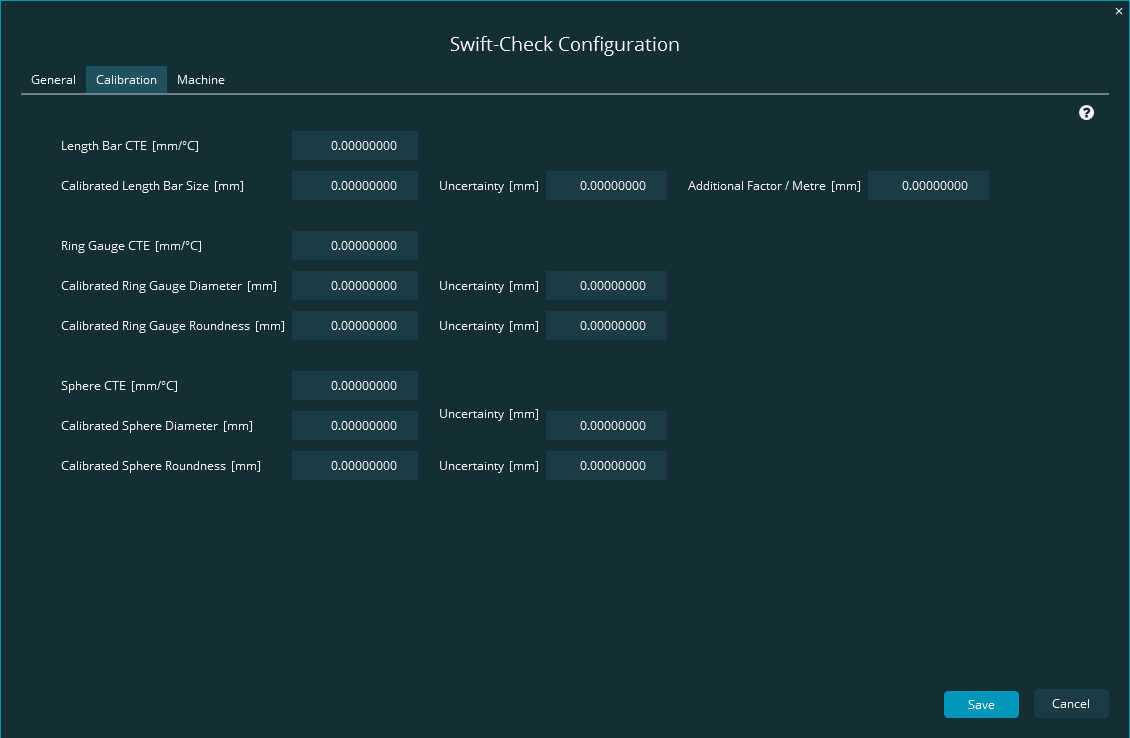 |
This screen has three main areas to type calibration data for your artifact's Length Bar, Ring Gauge, and Sphere.
Define the calibration data for the Length Bar. For information, see the "Length Bar" topic.
Define the calibration data for the Ring Gauge. For information, see the "Ring Gauge" topic.
Define the calibration data for the Sphere. For information, see the "Sphere" topic.