How To Evaluate a Distance
Instructions | |||
|---|---|---|---|
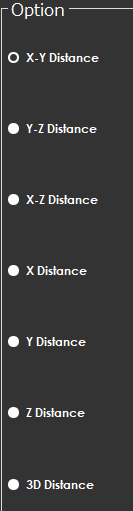
1 | From the Option area, select the direction you want to evaluate.
| ||
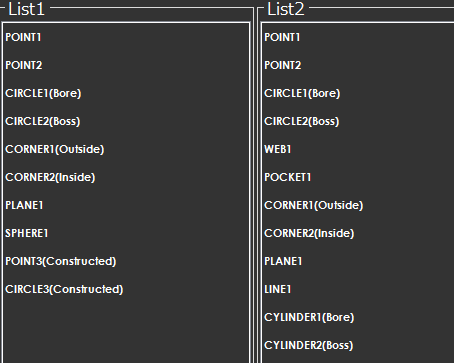
2 | Select the features to evaluate the distance.
| ||
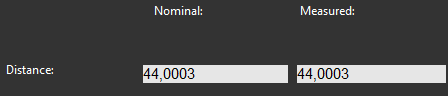
3 | Once the features are selected, review the values on the screen and make any adjustments to the nominal values if necessary.
| ||
4 |
| Press OK to add the command to the measurement program. | |

Note
In the top-left corner of the Construction screen, there is an icon that shows the selected feature.