How To Update a Work Offset
Instructions | ||
|---|---|---|
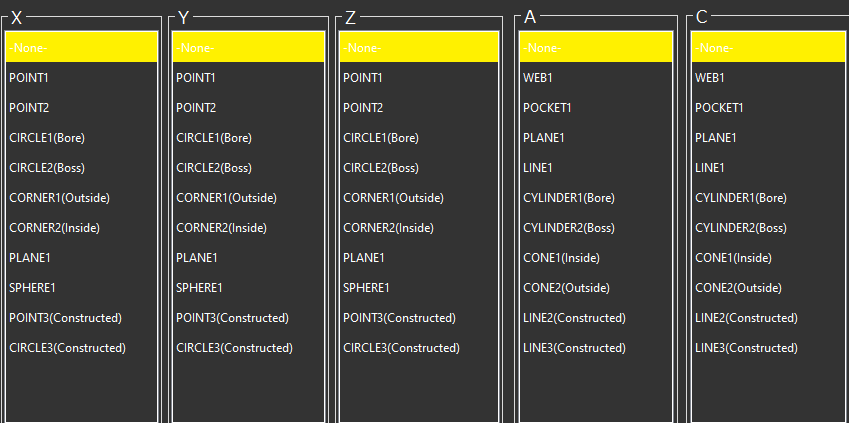
1 | Select the features to use to update each axis of the work offset.
| |
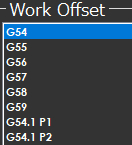
2 | From the Work Offset area, select the work offset to update.
NoteIt is not recommended to update the same work offset that is being used by the current gaging program. This may lead to unexpected motion when running the program again. | |
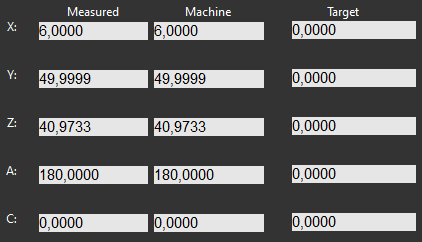
3 | Check the update work offset values.
| |
4 | Press the OK icon | |

Additional Notes
Ensure the NC does not show the Work Offset screen.
On some controls, NC Gage cannot write offsets if the screen is open.