How To Calibrate a Probe Using a Ring
Instructions | ||||
|---|---|---|---|---|
1 | Press the Ring Calibration button. |
| ||
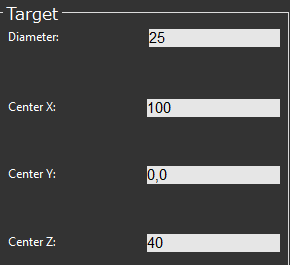
2 | Check the diameter and center location of the ring. Correct them if necessary.
For details, see How to Use Find Ring Artifact if you are not sure. | |||
3 |
| Position the probe at the center of the ring and press the Execute button. Start the monitor macro on the machine. NC Gage takes four hits to locate the ring. Then NC Gage performs a calibration by measuring 36 points inside and one point on top of the ring. | ||
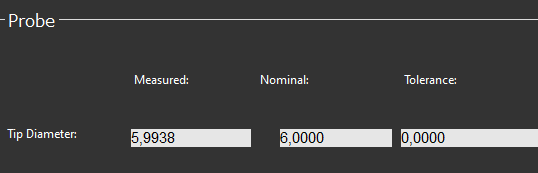
4 | Review the calibration results on the screen.
| |||
5 |
| Press OK to accept probe calibration. | ||



Additional Notes
Some measurement features require the probe to be calibrated on a sphere. These will be disabled when using a probe that was calibrated on a ring.