Password Setup Screen Overview
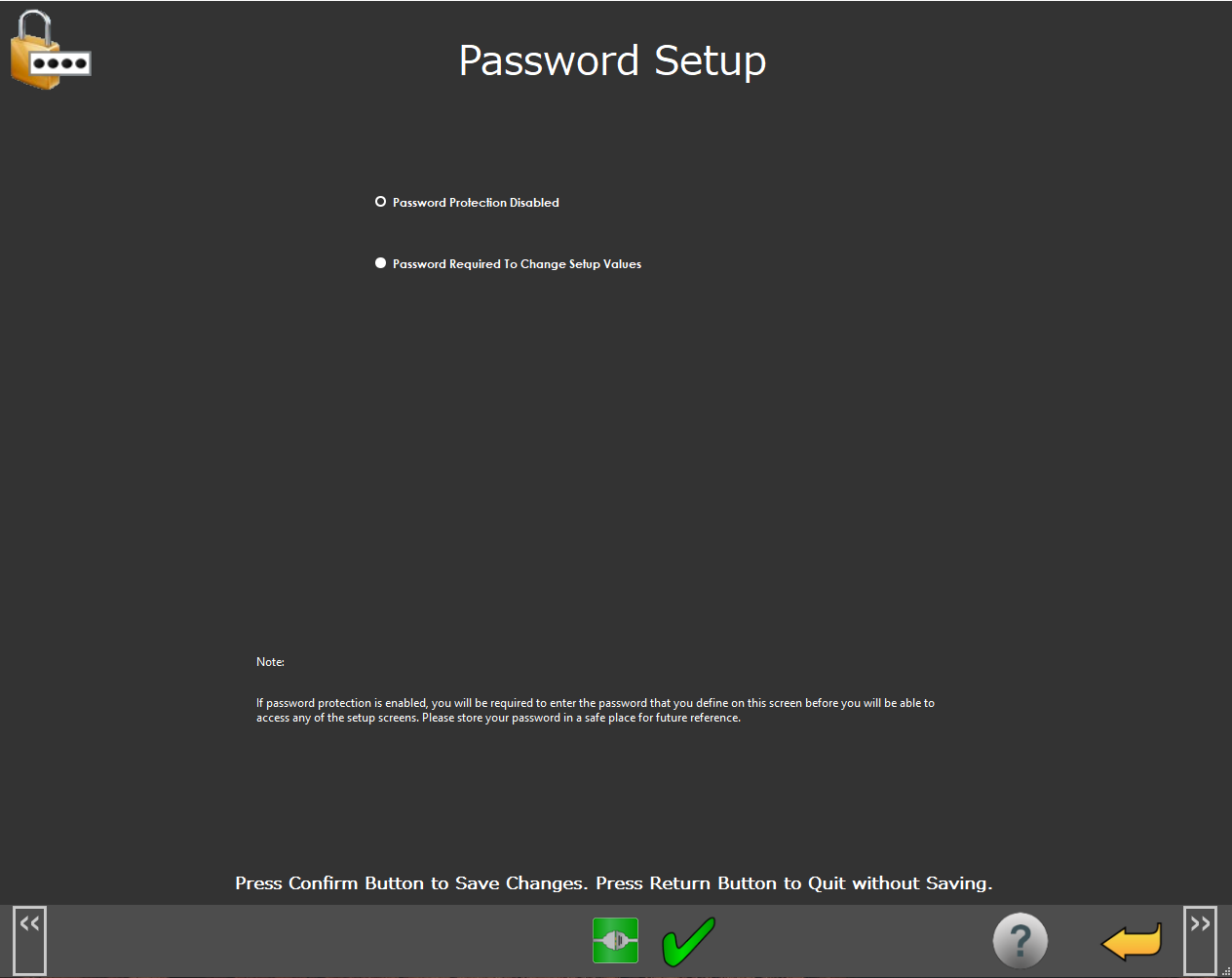 |
Password Setup Screen
The Password Setup screen allows you to set a password to protect access to the NC Gage software settings.
Screen Layout |
|---|
Password Activation |
Information Messages |
Function Menu |
Items on this screen | |
|---|---|
Screen Area | Description |
Password Activation | You can use this area to select either the Password Protection Disabled or Password Protection To Change Setup Values option. If you set a password, you need to enter a password and then enter the password a second time to verify. |
Information Messages | This area shows user instructions, messages, and relevant information. |
Function Menu | This area shows the functions available for the current screen. |