Counter Display Setup Screen Overview
 |
Counter Display Setup Screen
Screen Layout | |
|---|---|
Counter Layout | Value Settings |
Information Messages | |
Function Menu | |
Items on this screen | ||
|---|---|---|
Screen Area | Description | |
Application Controls | This area shows the application functions that are common to all screens. For details on the available NC Gage controls and functions, see "NC Gage Home Screen Functions". | |
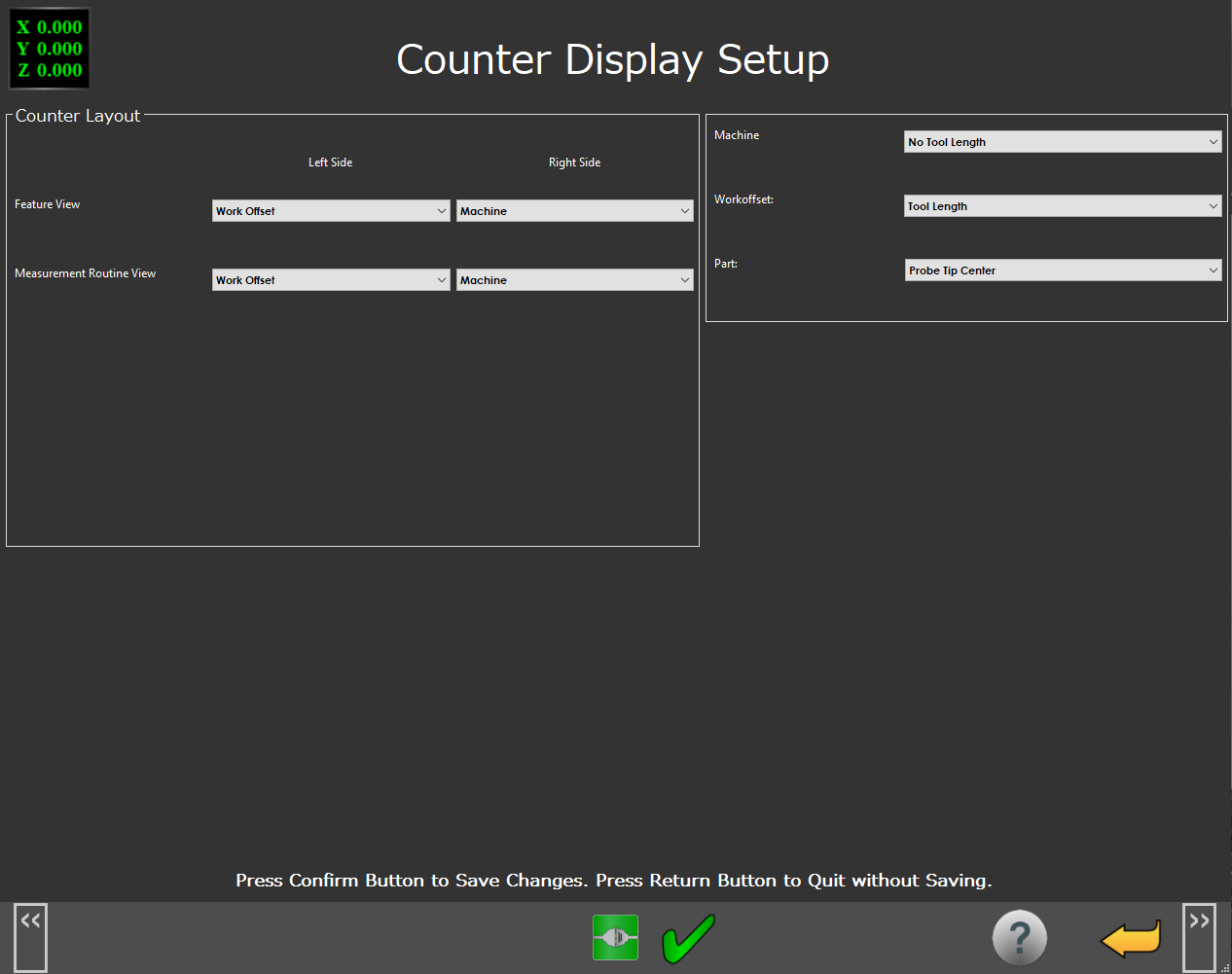
Counter Layout | You can use this area to configure which counter values you want to show in the counters on feature screens. You can also define when you want to view the measurement routine. | |
Value Settings | You can use this area to determine the values that NC Gage displays when it shows the machine, work offset, and part positions in the counter display. The available choices are: | |
No Tool Length | This option displays the position of the spindle nose. | |
Tool Length | This option displays the position of the end of the probe. | |
Probe Tip Center | This option displays the position of the center of the probe tip. | |
Information Messages | This area shows user instructions, messages, and relevant information. | |
Function Menu | This area shows the functions available for the current screen. | |