Tolerance Reporting Screen Overview
Every measurement function allows you to set individual tolerances and select which characteristics you want to show on the report.
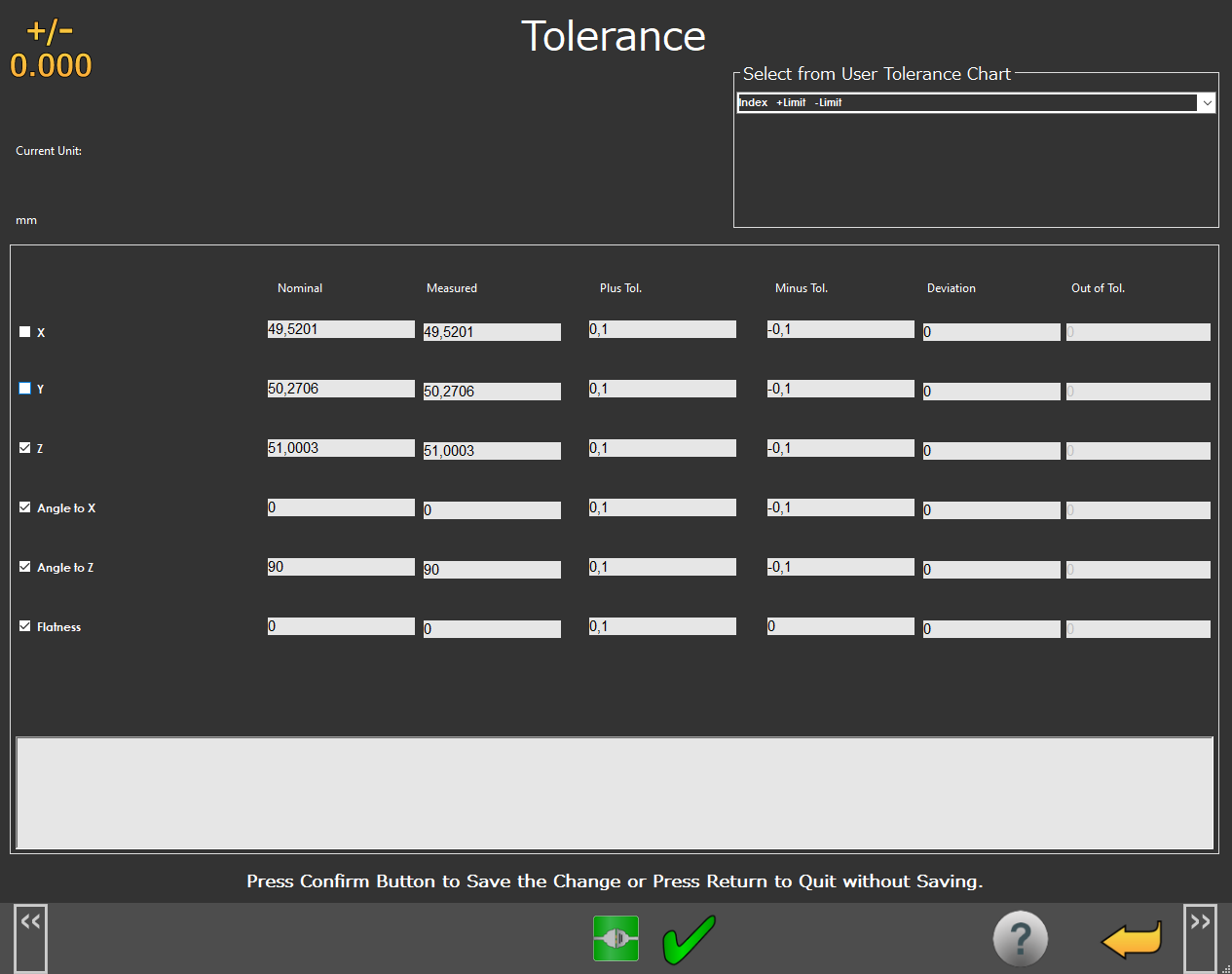 |
Tolerance Reporting Screen
Screen Layout | ||
|---|---|---|
Current Unit | ISO Tolerance Table | Select from User Tolerance Chart |
Edit Tolerance Table and Tolerances | ||
Information Messages | ||
Function Menu | ||
Items on this Screen | |
|---|---|
Screen Area | Description |
Current Unit | This area displays the measurement units. |
ISO Tolerance Chart | This area allows you to select an ISO tolerance (for example, H7). |
Select from User Tolerance Chart | You can use this area to load user-defined tolerance values. |
Edit Tolerance Table | You can use this area to:
Use the check box next to each characteristic name to show or hide it on the report. |
Information Messages | This area shows user instructions, messages, and relevant information. |
Function Menu | This area shows the functions available for the current screen. |