How To Define a New Probe
Instructions | ||||
|---|---|---|---|---|
1 | Click the Select a Probe button |
| ||
2 | Click the Create New Probe button |
| ||
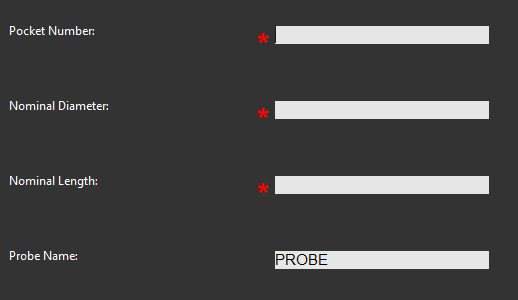
3 | Fill out the properties for the new probe (Pocket Number, Nominal Length and Nominal Diameter) and type in a unique name. |
| ||
5 |
| Click OK to set the new probe. | ||