Register License Screen Overview
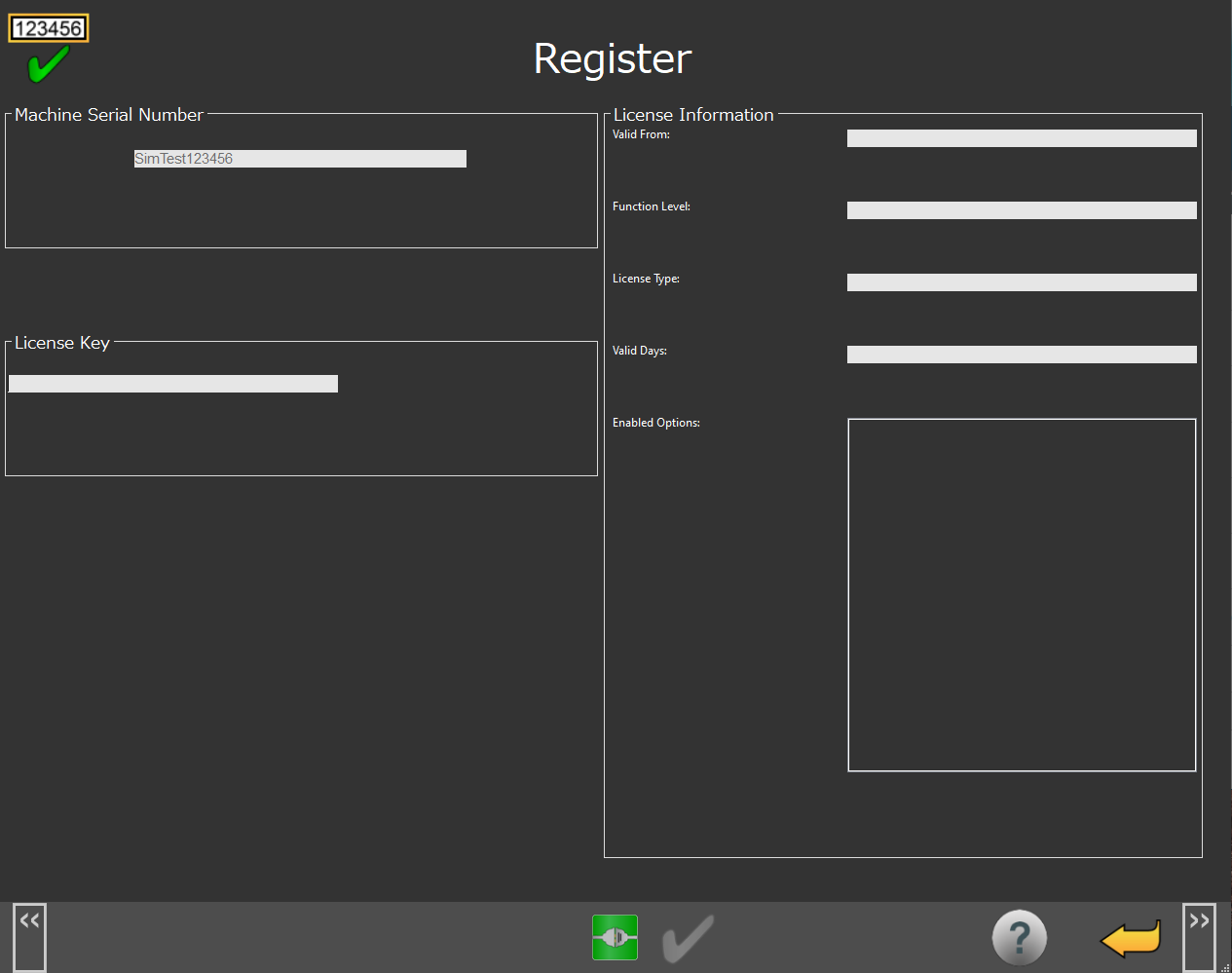 |
Register Screen
You can use the Register screen to enter a license key or use a license file to activate your NC Gage options.
Screen Layout | |
|---|---|
Machine Serial Number | License Information |
License Key | |
Information Messages | |
Function Menu | |
Items on this screen | |
|---|---|
Screen Area | Description |
Machine Serial Number | This area shows the machine serial number. |
License Information | This area shows information about the entered license key. |
License Key | You can use this area to enter the license key to activate your license options. |
Information Messages | This area shows user instructions, messages, and relevant information. |
Function Menu | This area shows the functions available for the current screen. |