How To Calibrate a Rotary Table Axis
Instructions | ||||
|---|---|---|---|---|
1 | Press the Rotary Table Calibration button. |
| ||
2 | Select the calibration axis from the box. |
| ||
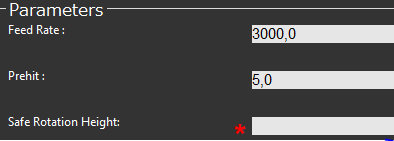
3 | Type in a value for the safe rotation height. |
| ||
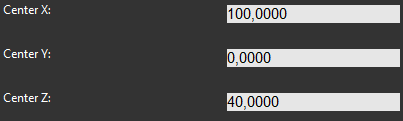
4 | Check the sphere location and correct it if necessary. |
| ||
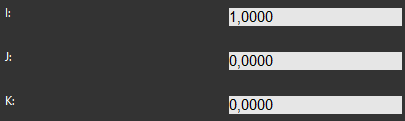
5 | Type in the direction the stem of the calibration sphere is facing. This can easily be done with the <How to Use the Find Sphere Artifact> function. |
| ||
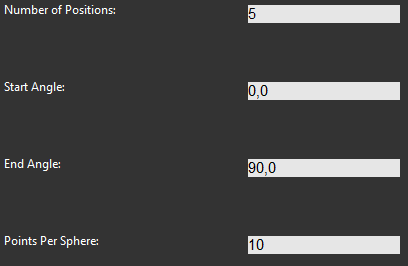
6 | Type in the start and end angles and the number of positions and points for the calibration. |
| ||
7 |
| Position the probe for automatic measurement and press Execute button. Start the monitor macro on the machine. NC Gage turns the table to the start angle and begins the calibration process with the defined number of points and positions to the end angle. | ||
8 |
| Review the calibration data and press OK. | ||