System Setup Screen Overview
The System Setup screen allows you to define control over various window functions and what happens when you exit the software.
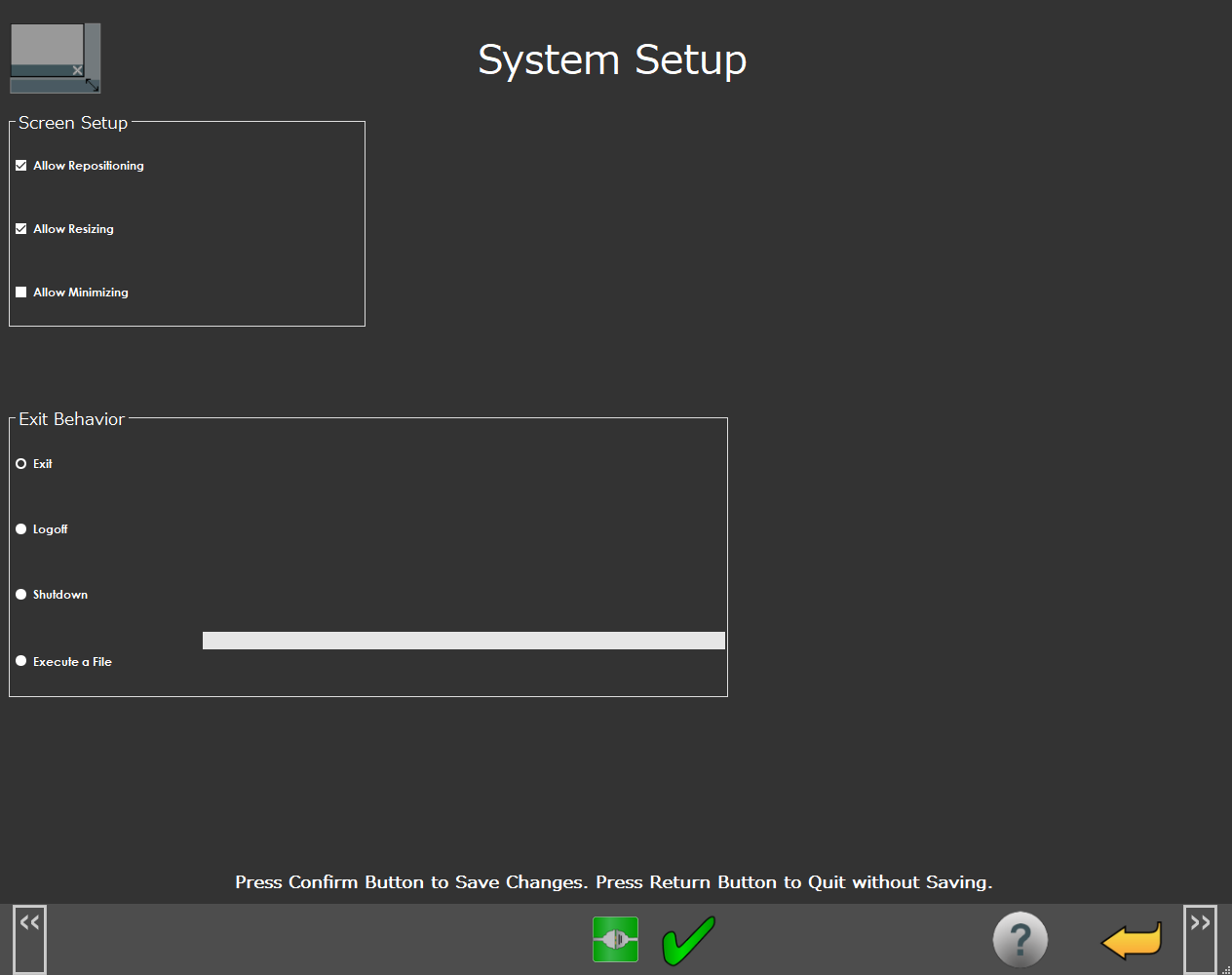 |
System Setup Screen
Screen Layout | |
|---|---|
Screen Setup | |
Exit Behavior | |
Information Messages | |
Function Menu | |
Items on this screen | |
|---|---|
Screen Area | Description |
Screen Setup | This area allows you determine what you want to do with the NC Gage screen with the available check boxes. The options are:
|
Exit Behavior | This area allows you to select one of the options to determine what happens when you exit the software. The options are:
|
Information Messages | This area shows user instructions, messages, and relevant information. |
Function Menu | This area shows the functions available for the current screen. |