How To Set Coordinate Rotation
You can use NC Gage to set the values used for a G11 rotation. This function uses the measured values specified in the command and then sends them to variables on the control. NC Gage provides a macro for simple activation of the G11 on the control.
Note
This functionality is only for machines that have the G68, G68.2 or G11 options.
Instructions | |||||
|---|---|---|---|---|---|
1 |
| Select the work plane for the coordinate rotation.
| |||
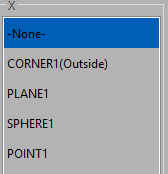
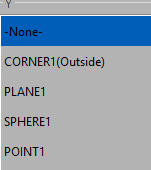
2 | Select the features to set the center of rotation.
|
| |||
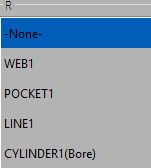
3 | Select a feature to use to set the rotation angle.
| ||||
4 | Review the measured values on screen, and set the desired target values for the offset. | ||||
5 |
| Press OK to add the command to the measurement program. | |||


Important
NC Gage does not activate G68/G68.2/G11!
To activate G68/G68.2/G11, you must use the macro provided with NC Gage. For details, see Additional Notes below.
Available Features | |
|---|---|
Point-type features (for X, Y, or Z center) | Line-type features (for R) |
Bore | Line |
Boss | Plane |
Corner Inside | |
Corner Outside | Web |
Point | Cylinder (Bore) |
Sphere | Cylinder (Boss) |
Constructed Circle | Cone (Inside) |
Constructed Point | Cone (Outside) |
Constructed Line | |
Additional Notes | |
|---|---|
1 | It is not possible to measure with G68/G68.2/G11 active. Therefore, NC Gage will always disable it when running its macros. |
2 | To activate the G68/G68.2/G11 coordinate rotation on the control, use the macro supplied with NC Gage.
|