Create New Probe Screen Overview
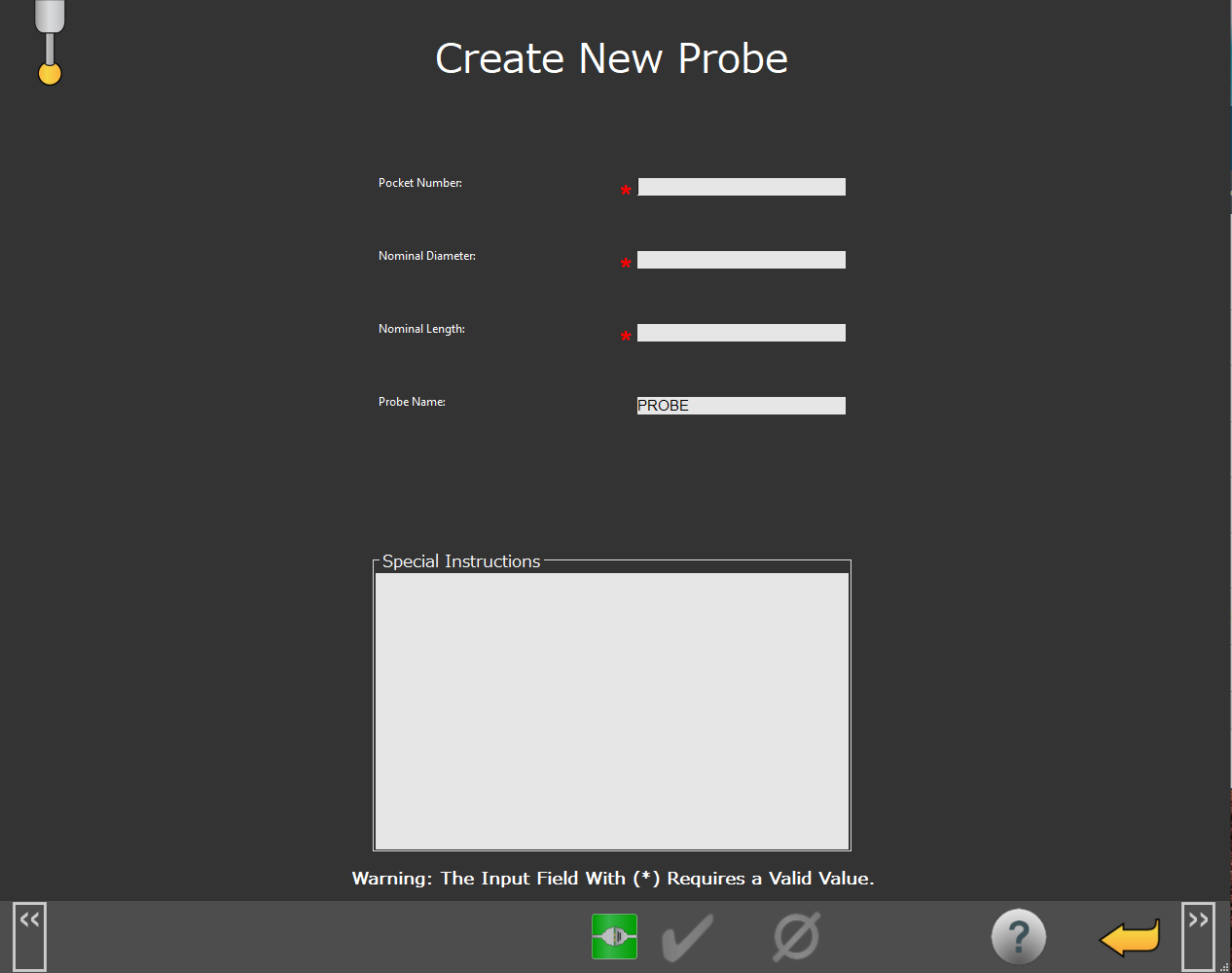 |
Create New Probe Screen
Screen Layout |
|---|
Probe Information Input Fields |
Special Instructions Comment Box |
Information Messages |
Function Menu |
Items on this Screen | |
|---|---|
Screen Area | Description |
Probe Information Input Fields | This area provides you with boxes that you can use to input probe information such as:
|
Special Instructions box | This area allows you to add comments or instructions for the user. |
Information Messages | This area displays user instructions, messages, and relevant information. |
Function Menu | This area provides you with the available functions for the current screen. |