How To Set an Offset Using a Point
Instructions | |||
|---|---|---|---|
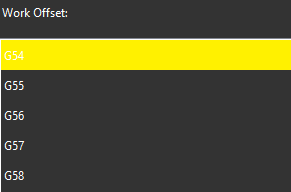
1 | Select the work offset to set.
| ||
2 | Choose the axis of the point to measure. This determines the direction that the probe will move to touch the part. | ||
| Move the probe away from the point that should be touched, in the direction selected in step 2 above. Press the Read Position button. | ||
3 |
| If you need to correct the position, press the Remove Last Position button to cancel the previously read location, then repeat the previous step. | |
4 |
| Click the Execute button, then start the monitor macro on the machine. NC Gage measures the point along the selected machine axis and displays the result. | |
5 | Review the measured values on the screen and set the desired target values for the offset.
| ||
6 |
| Press OK to set the selected work offset. | |




Additional Notes
Ensure the NC is not displaying the work offset screen.
NC Gage cannot write offsets if the screen is open.