How To Measure a Line
Note
Note that the Learn then Measure box is active.
Instructions | |||||
|---|---|---|---|---|---|
1 |
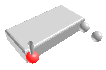
| Position the probe next to the first point and press the Read Position button. |
| ||
2 |
| If at any time you need to correct the position, press the Remove Last Position button to cancel the previously read location, then repeat the previous step. | |||
3 |
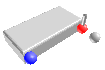
| Position the probe next to the second point and press the Read Position button. |
| ||
4 |
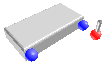
| Position the probe away from the second point in the direction normal to the work face. |
| ||
5 |
| Position the probe for an automatic measurement and press the Execute button. Start the monitor macro on the machine. NC Gage measures both points and calculates the angle of the line. | |||
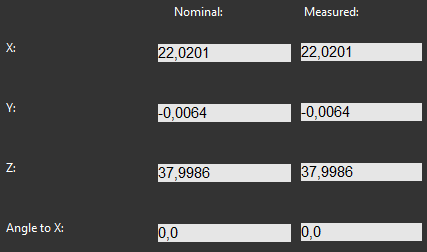
6 | Review the measured values on the screen and adjust the nominal values if necessary.
| ||||
7 |
| Press OK to add the command to the measurement program. | |||