NC Server Offline Manager Layout
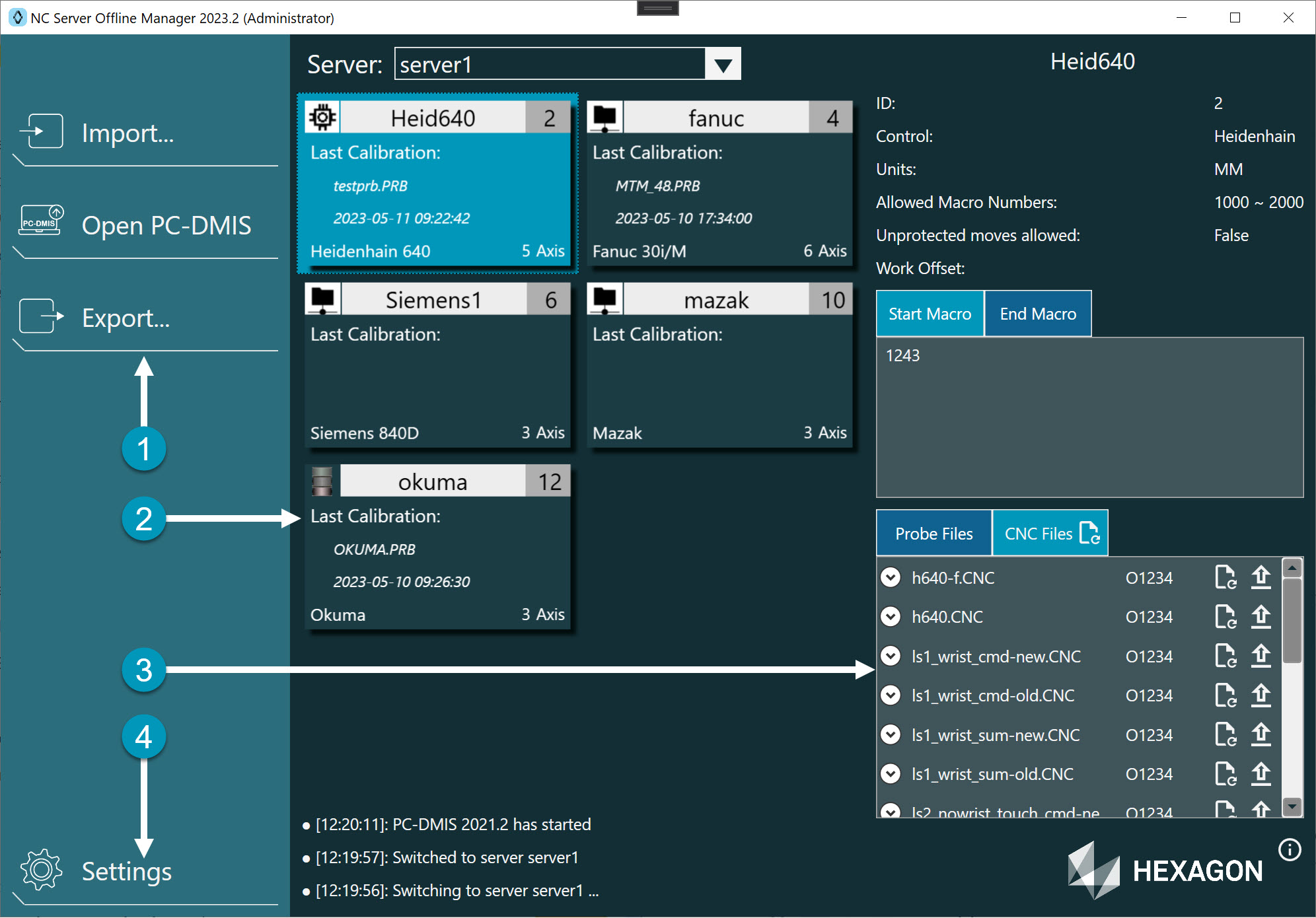
Area Number | Area Name | Description |
|---|---|---|
1 | Application Menu | This area provides functions that work with the data in NC Server Offline Manager. These functions include:
|
2 | Server View | This area provides you with information on the machines that are defined in an NC server. If you imported machines from multiple NC servers, the software lists the servers in a drop-down at the top of this area. When you select a server from the list, the software shows this information:
|
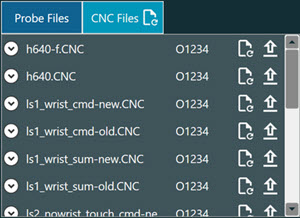
3 | Machine Details and Data | When you select a machine card from the Server View area, the application shows this information for the selected machine:
NoteIf there is an MTM Net connection but the machine at the server is offline, NC Server Offline Manager shows an Upload Failure dialog box. |
4 | Settings and Information | This area shows:
|