How To Set an Offset Using a Boss
Instructions | |||||
|---|---|---|---|---|---|
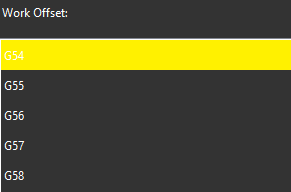
1 | Select the work offset to set.
| ||||
2 |
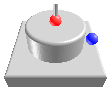
| Position the probe at the side of the boss, at the desired measurement height, then press the Read Position button. |
| ||
3 |
| If you need to correct the position, press the Remove Last Position button to cancel the previously read location, and then repeat the previous step. | |||
4 |
| Position the probe over the center of the boss, then press the Read Position button. |
| ||
5 |
| Press the Execute button, then start the monitor macro on the machine. NC Gage takes four points around the boss to locate its center. Next, NC Gage uses this center to measure the boss and calculate the measured center of the boss. | |||
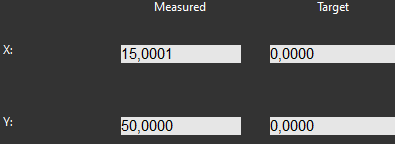
6 | Review the measured values on screen and set the desired target values for the offset.
| ||||
7 |
| Press OK to set the selected work offset. | |||





Additional Notes
Ensure the NC does not show the Work Offset screen.
On some controls, NC Gage cannot write offsets if the screen is open.